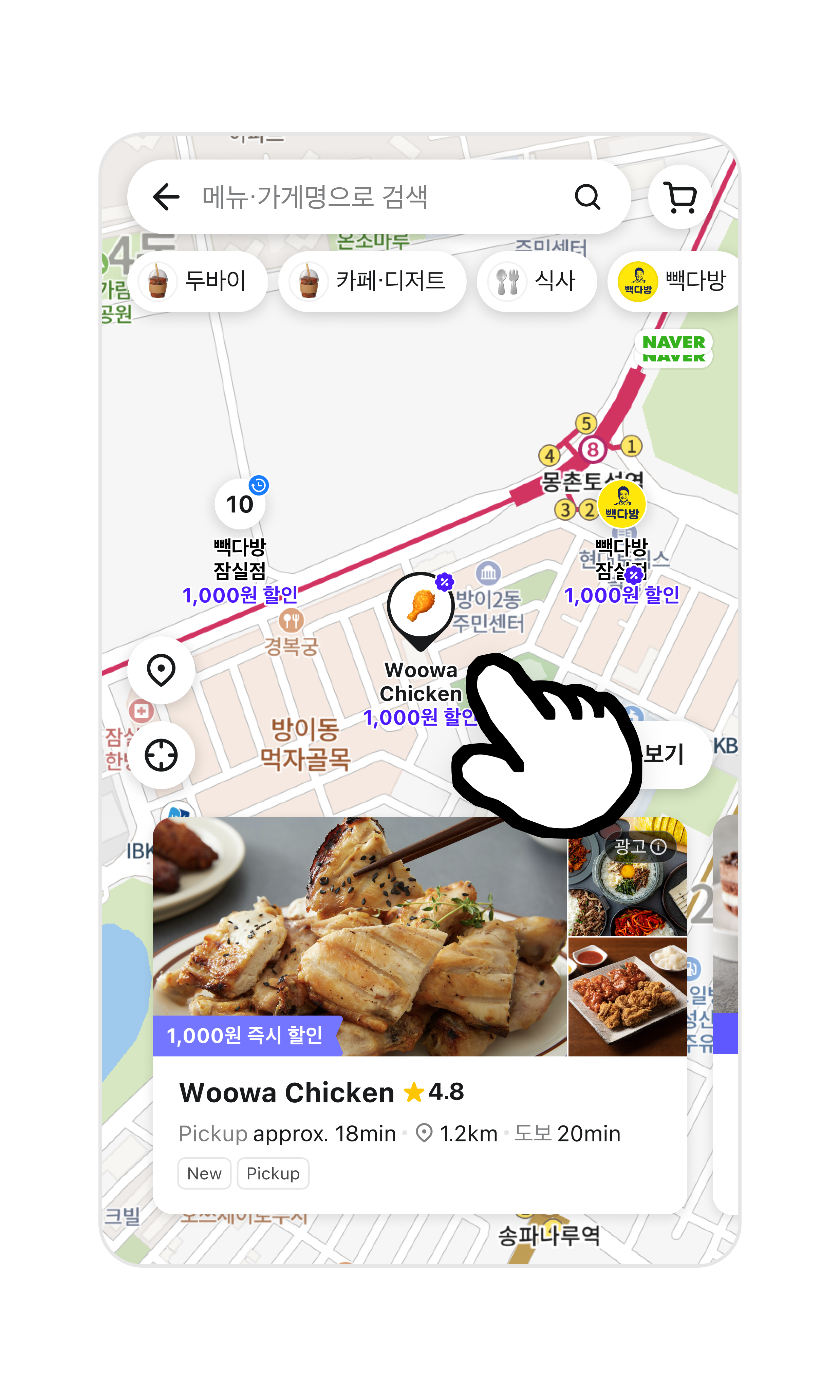
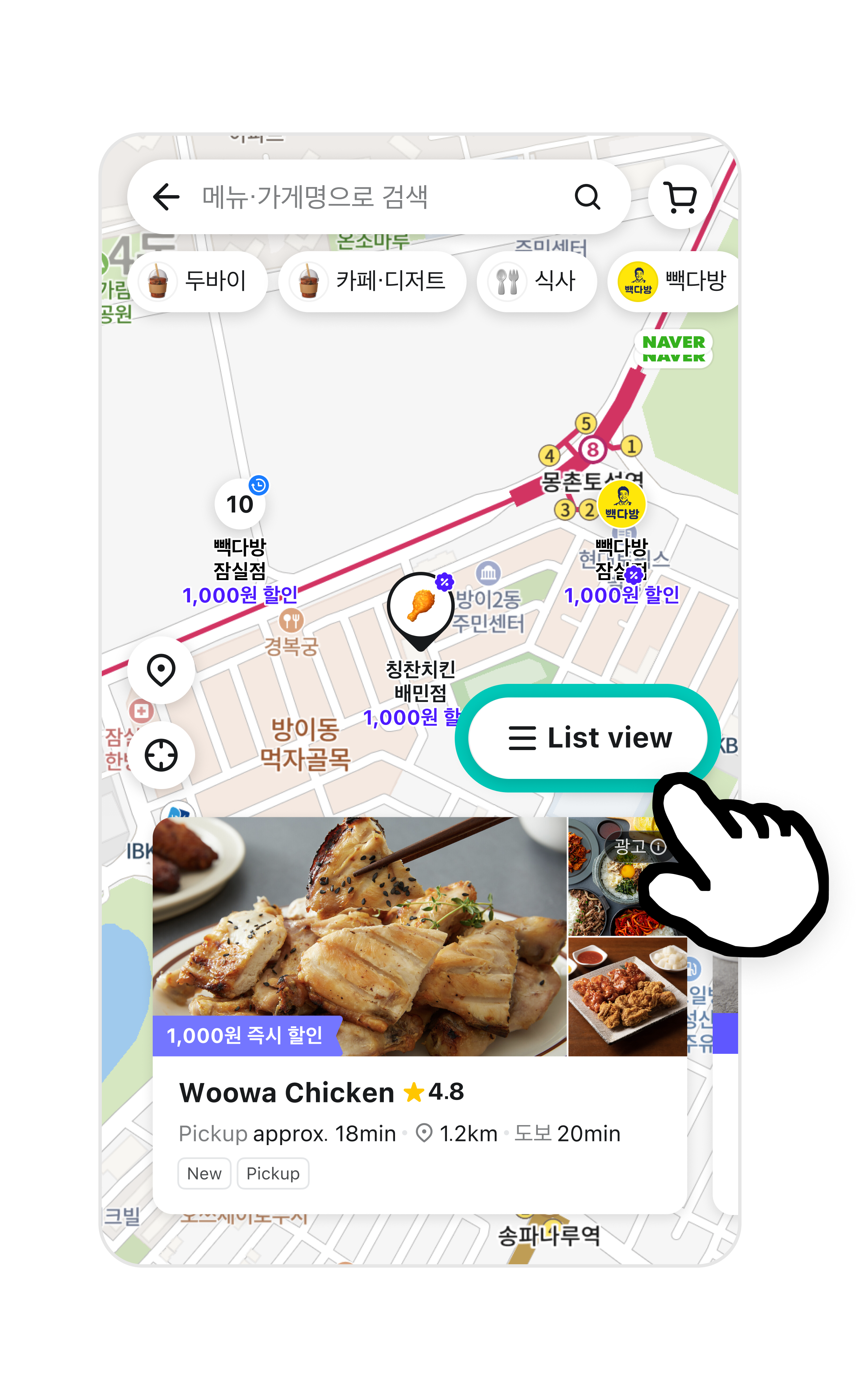
Pickup
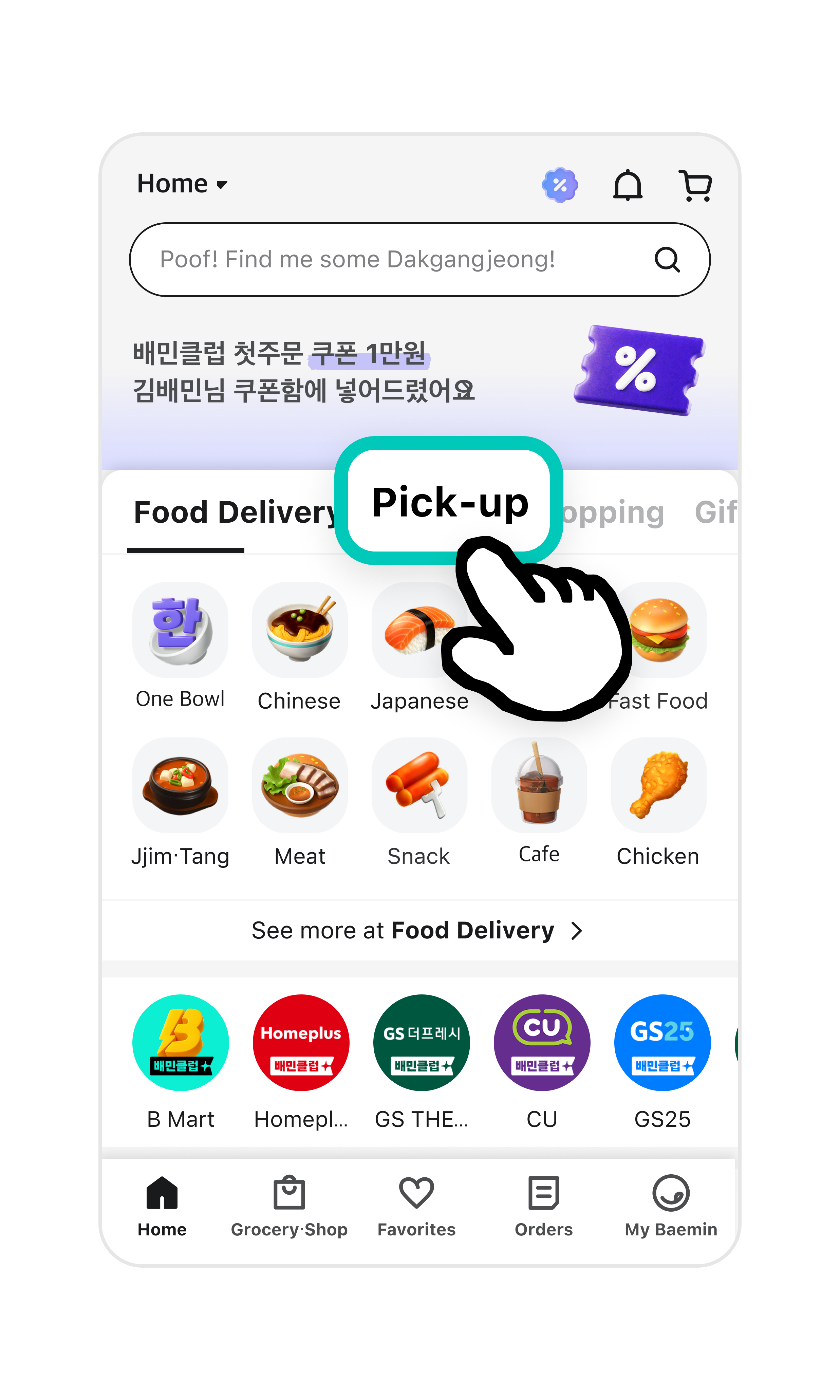
- Pickup is a service where you grab your food directly from the restaurant.
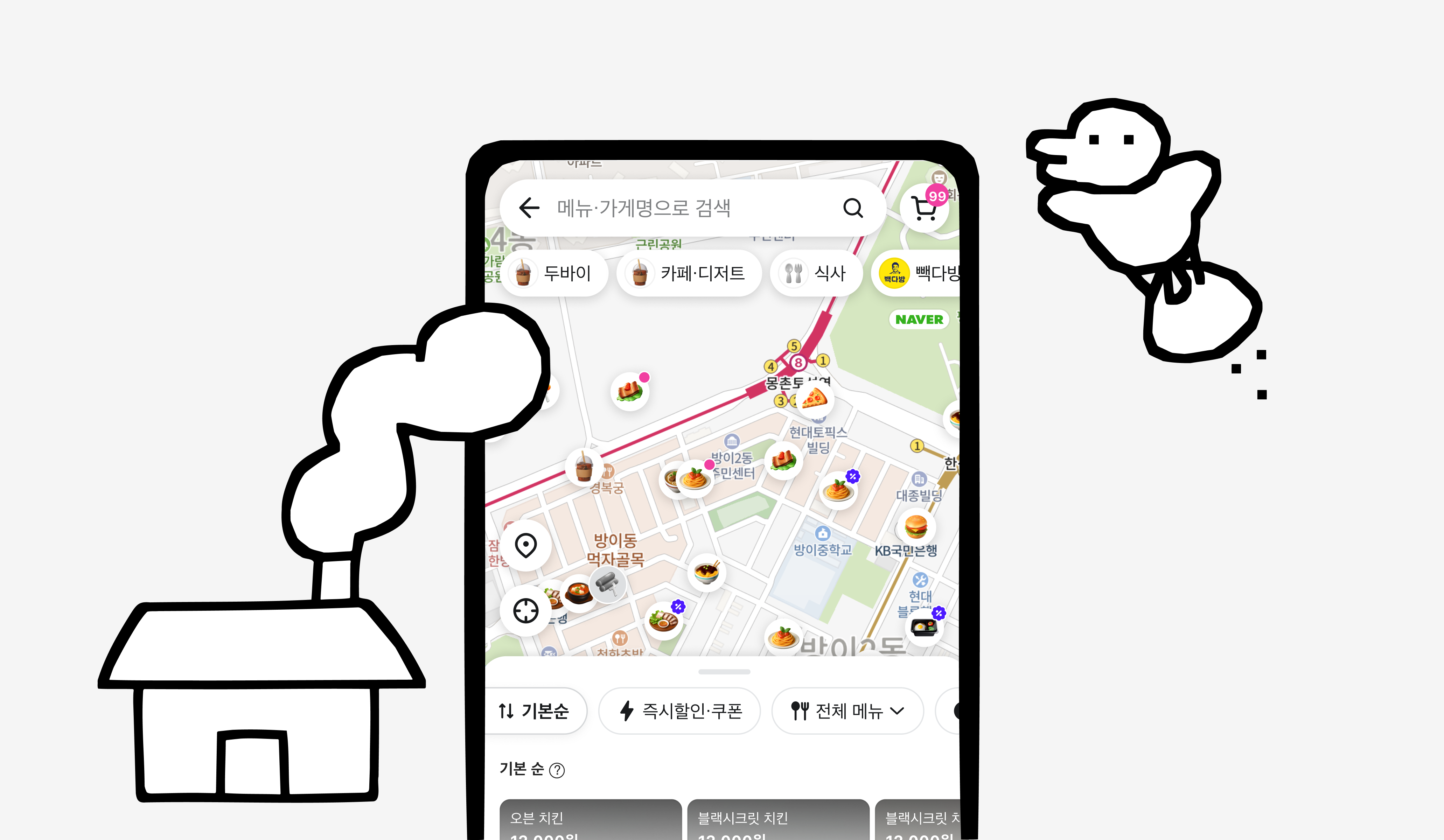
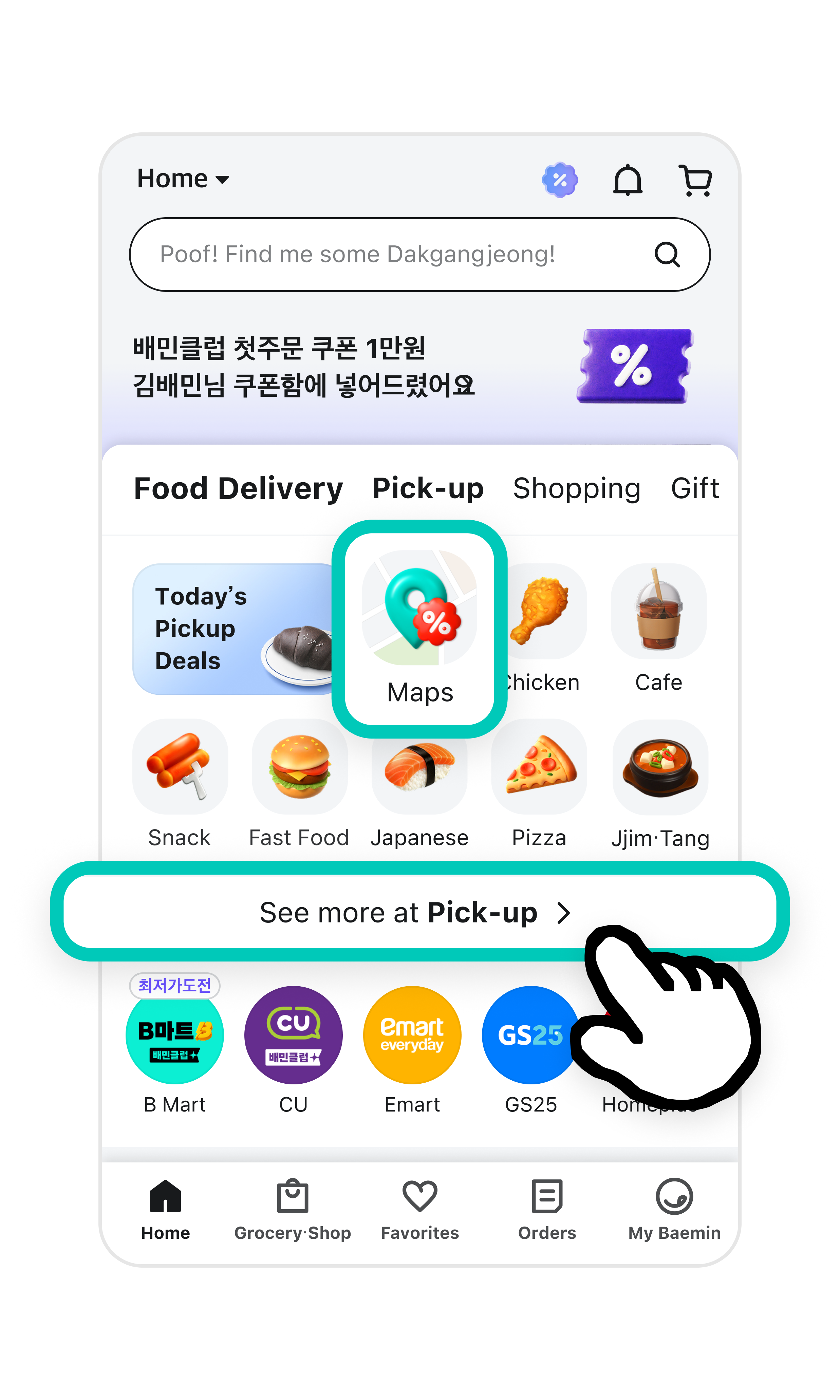
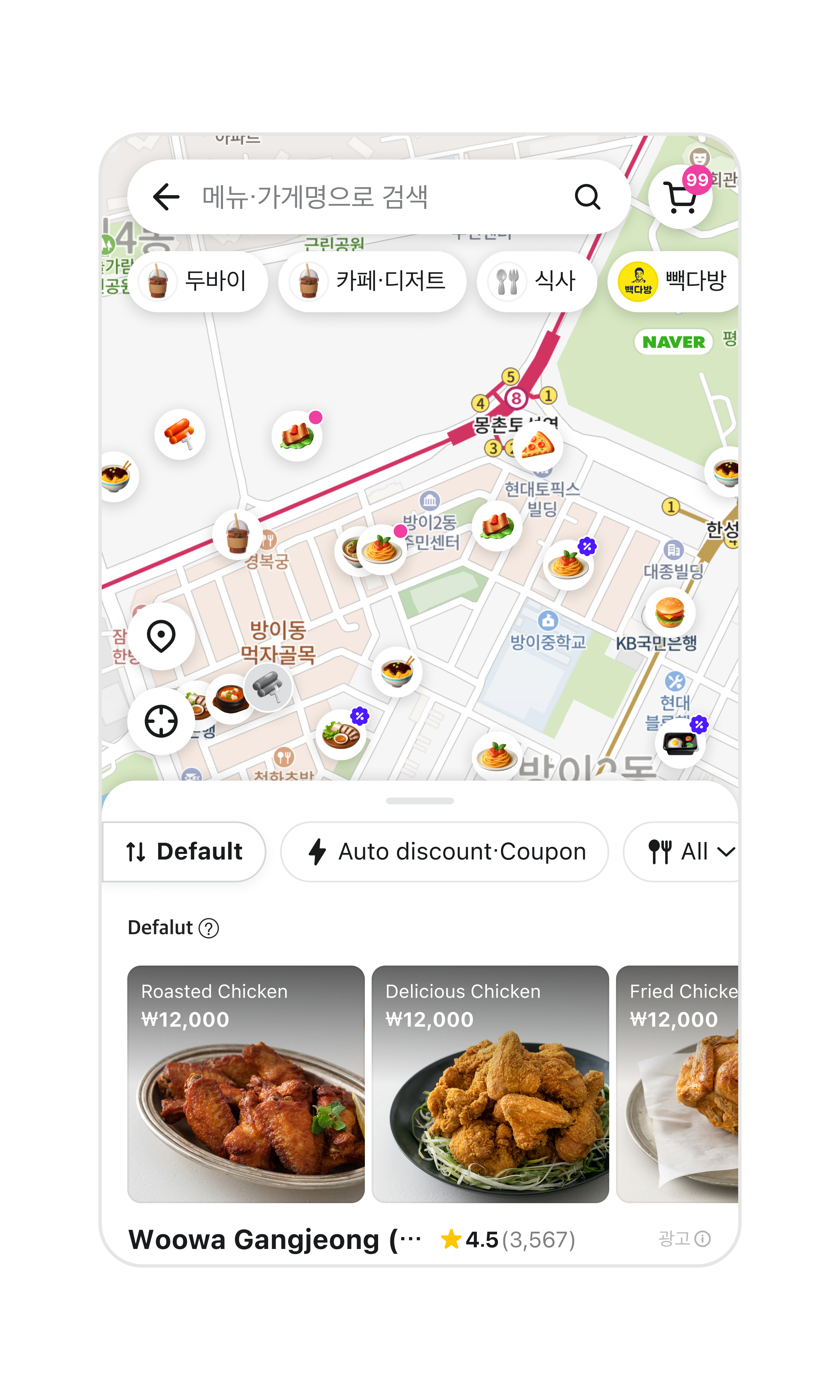
- You can find restaurants near your home that offer pickup.
- Pickup has zero delivery fees! Try it at restaurants nearby.
Try Pickup when
- You want to see which restaurants near you offer Pickup.
- You want to grab some food on your way home.