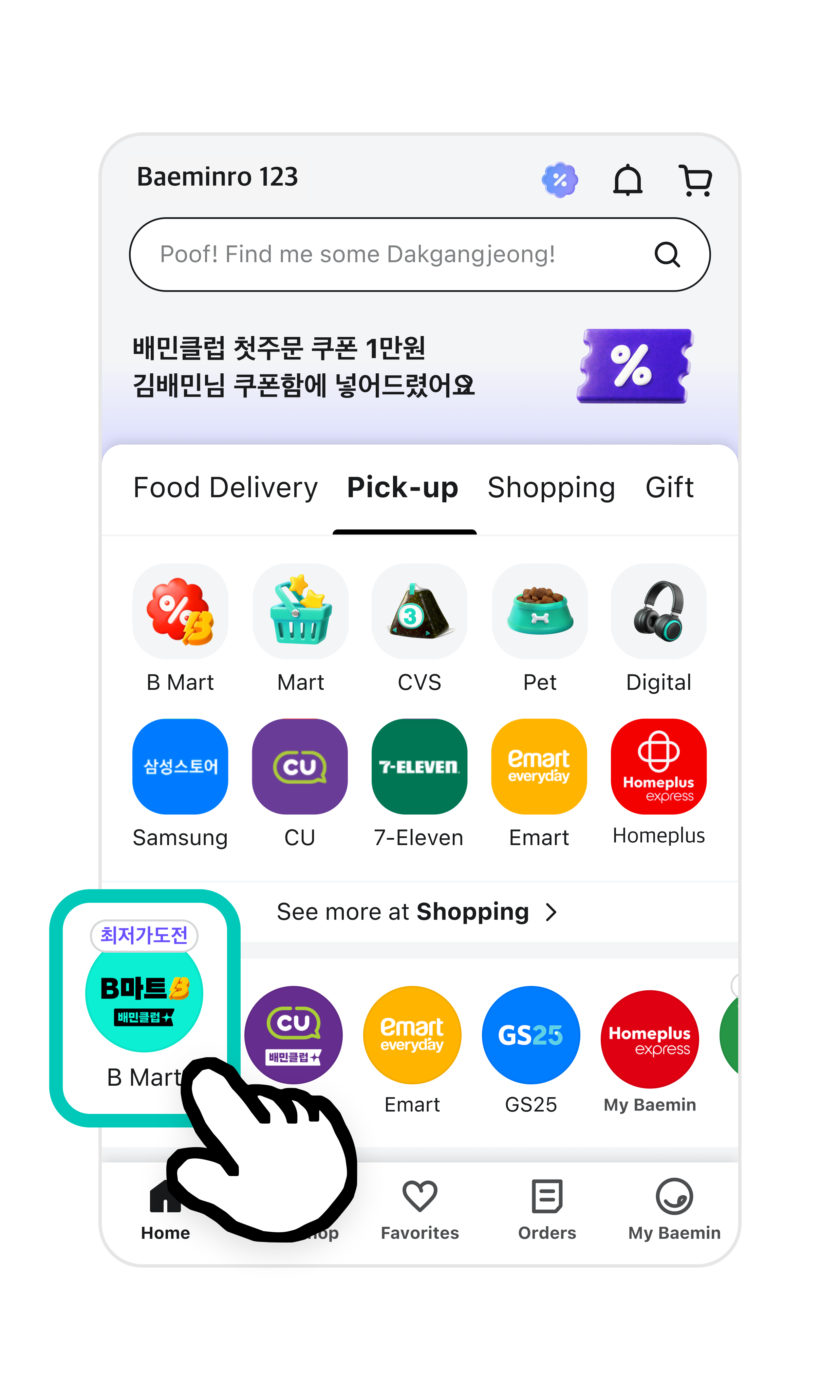
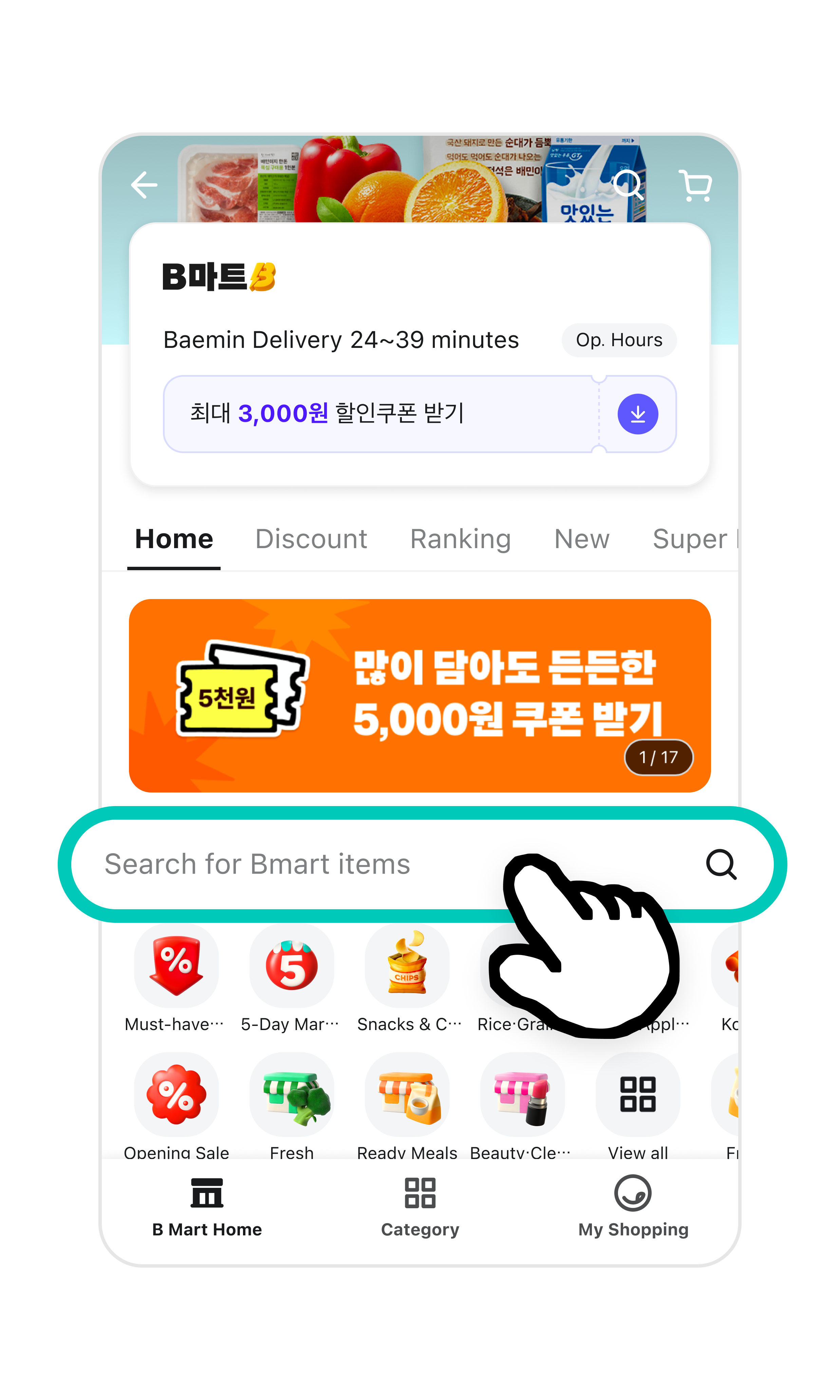
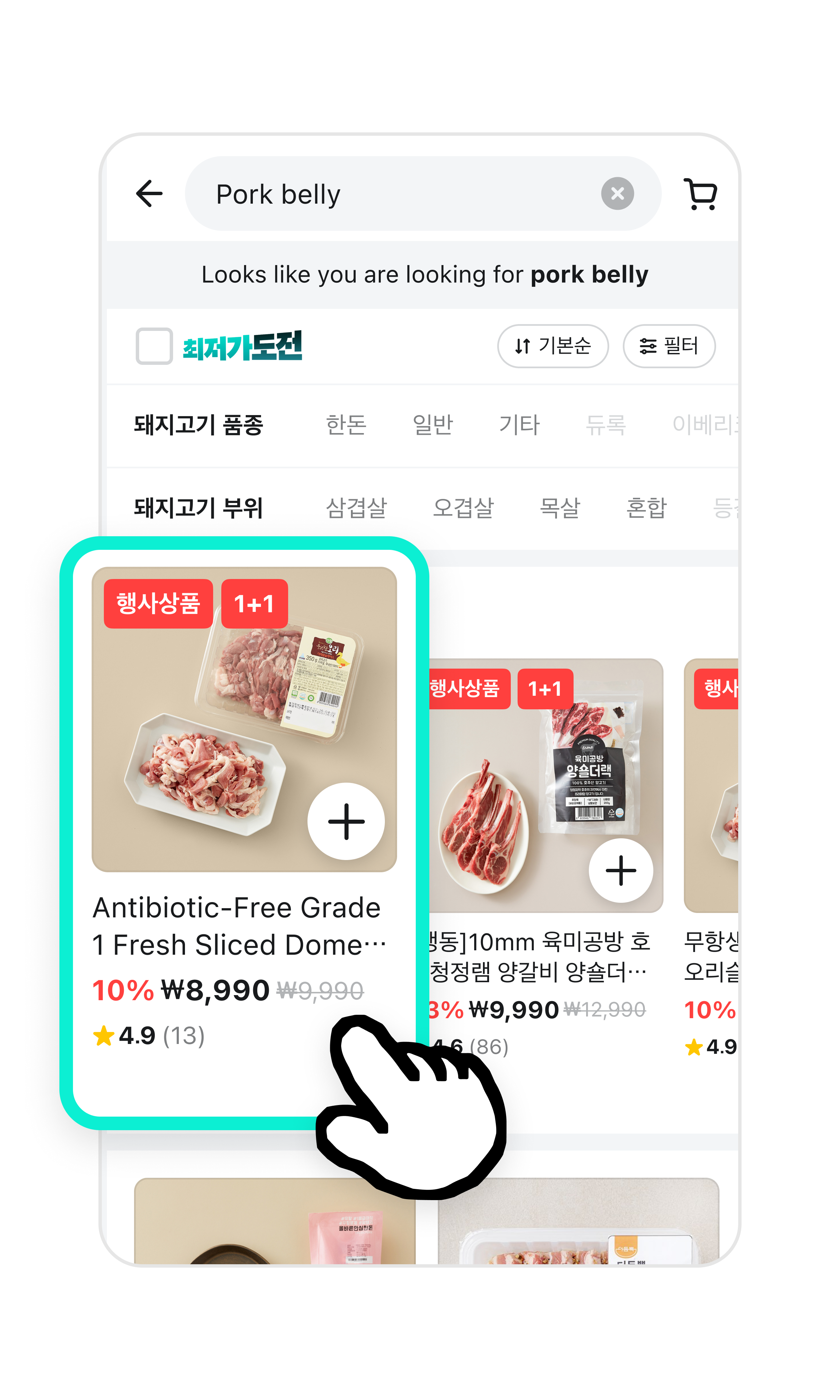
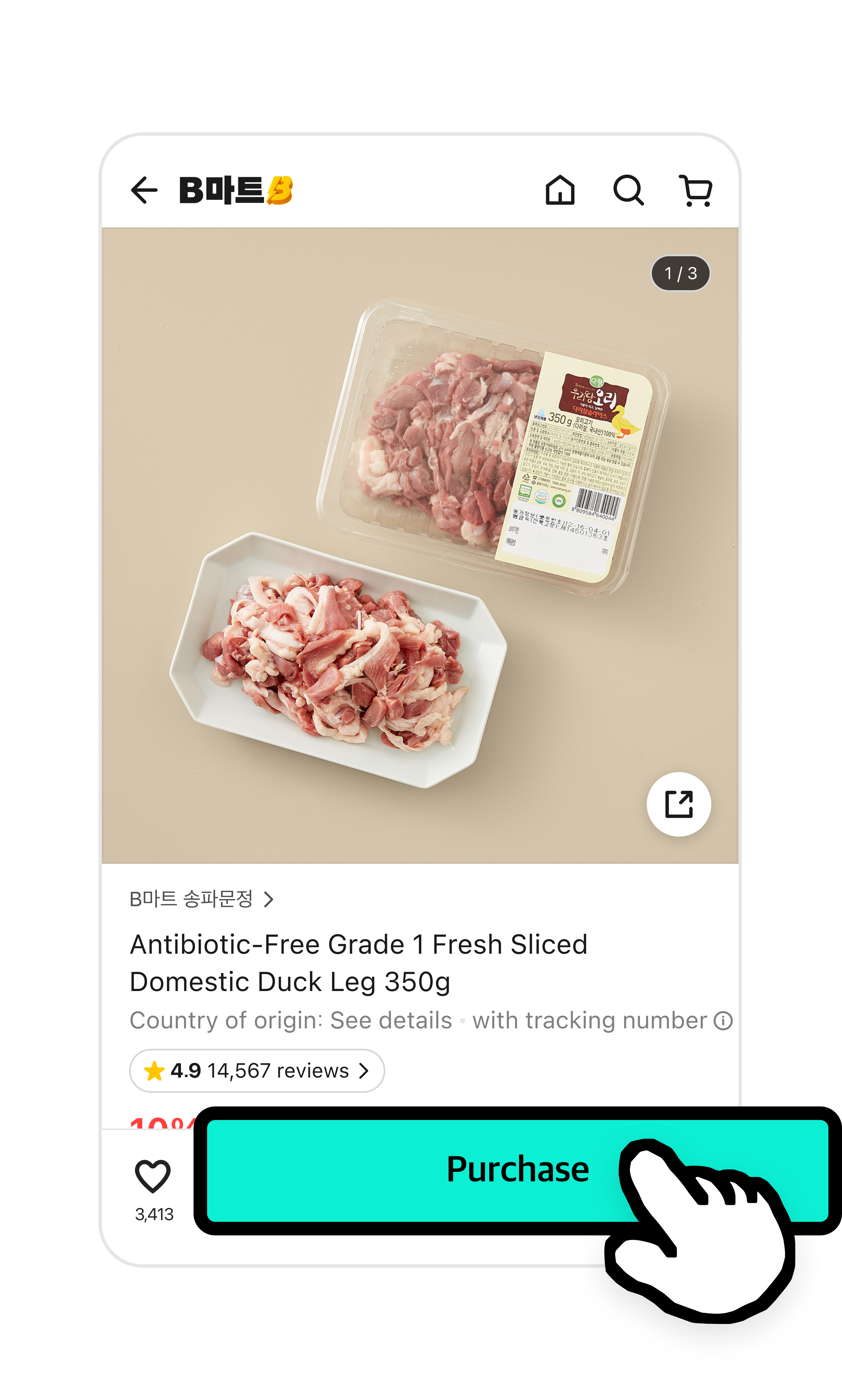
Bmart
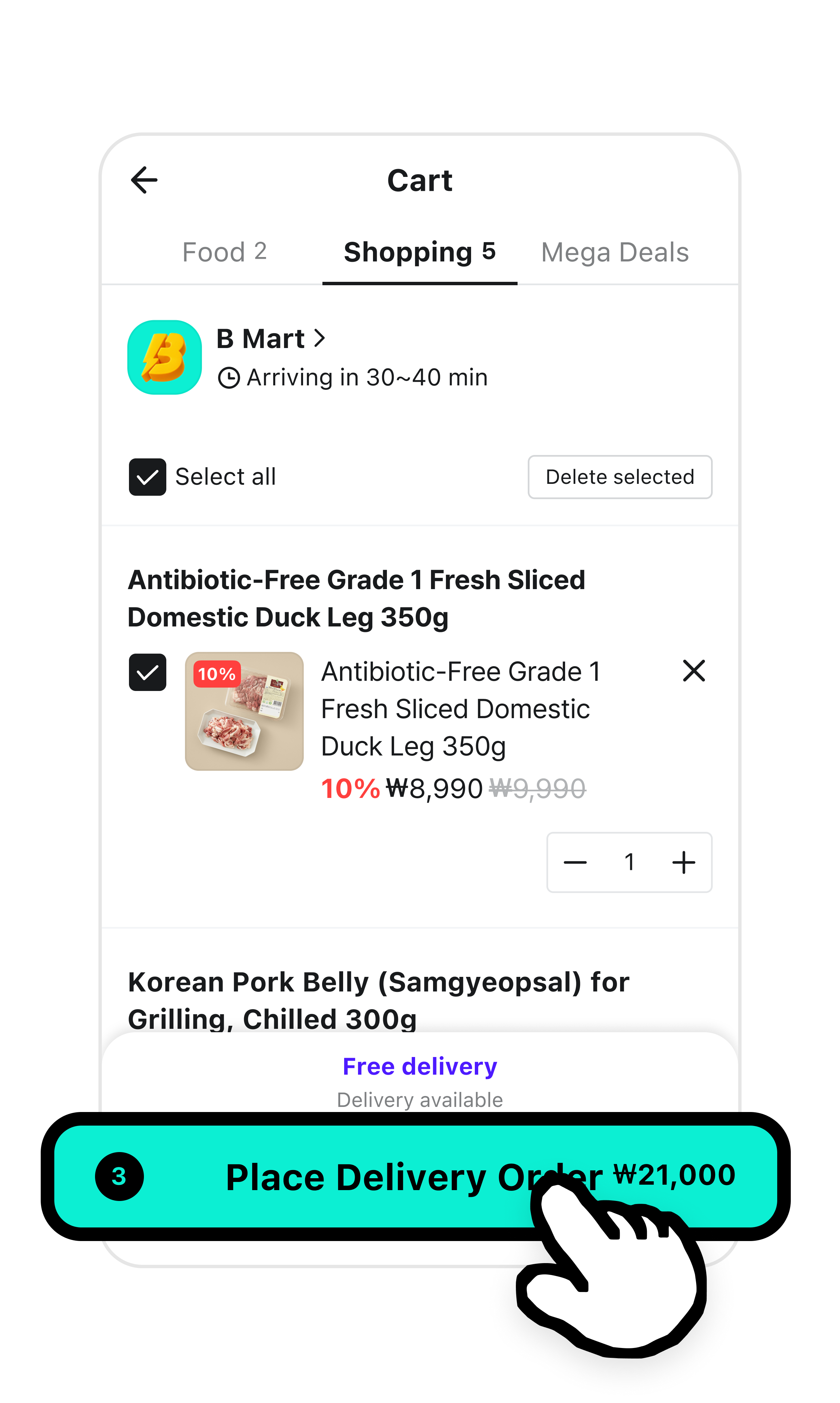
- Bmart is a service that delivers grocery store items right to your doorstep.
- You can order your daily essentials like groceries, detergents, and toilet paper. They arrive as fast as food delivery.
- Bmart may be unavailable in some regions.
Try Bmart when:
- You need cooking ingredients right away.
- You urgently need daily essentials like toilet paper or detergents.
- You want to schedule a delivery for a specific time.