Order History
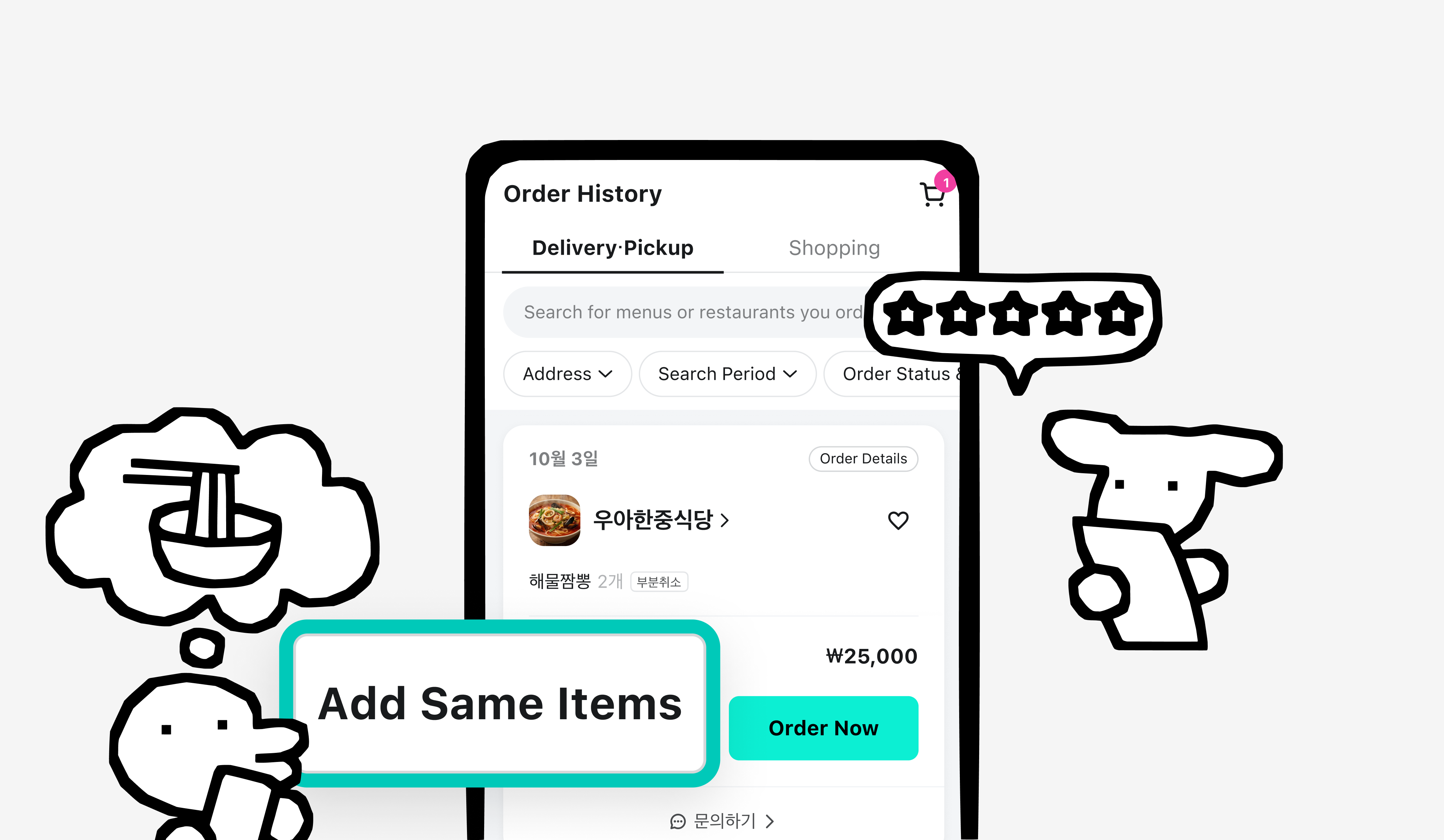
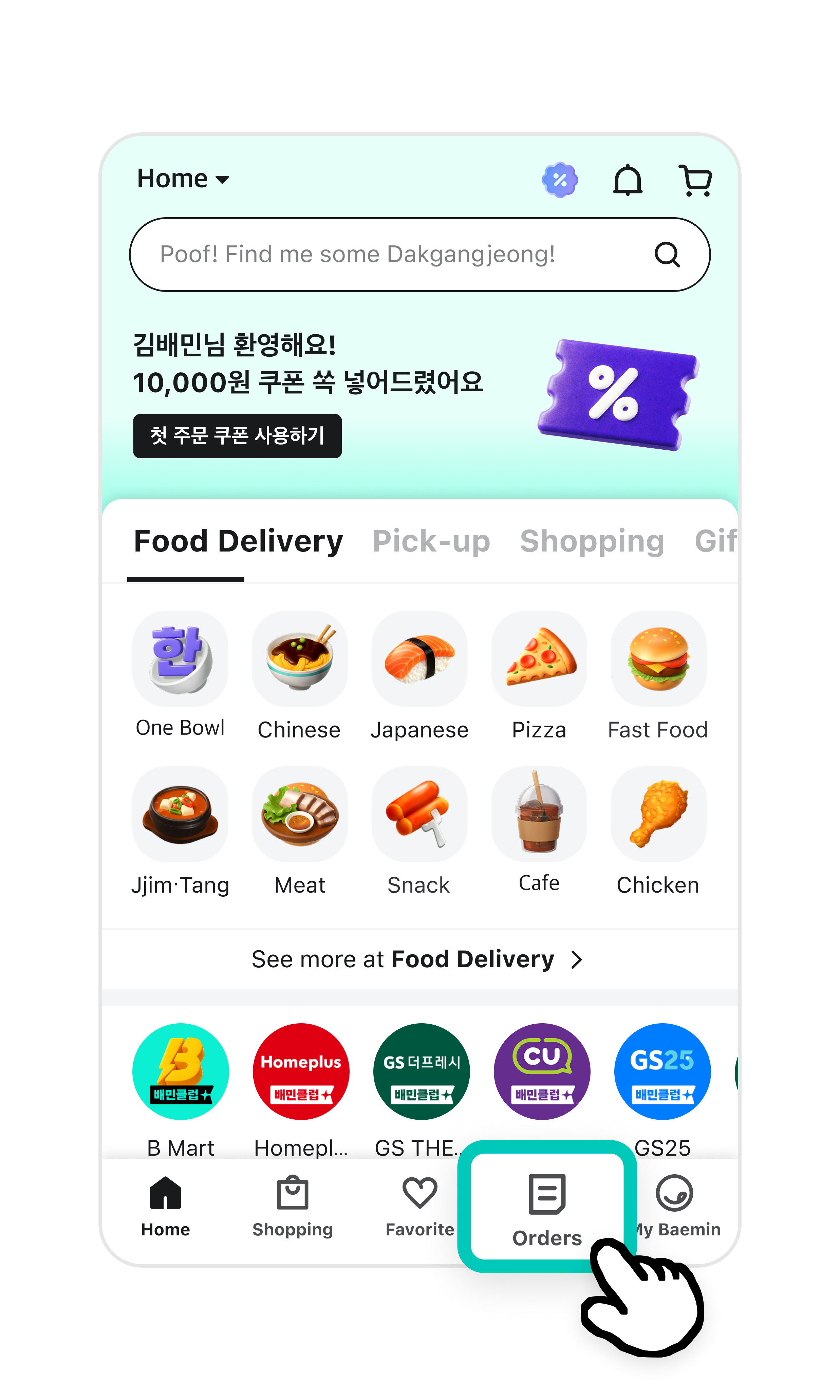
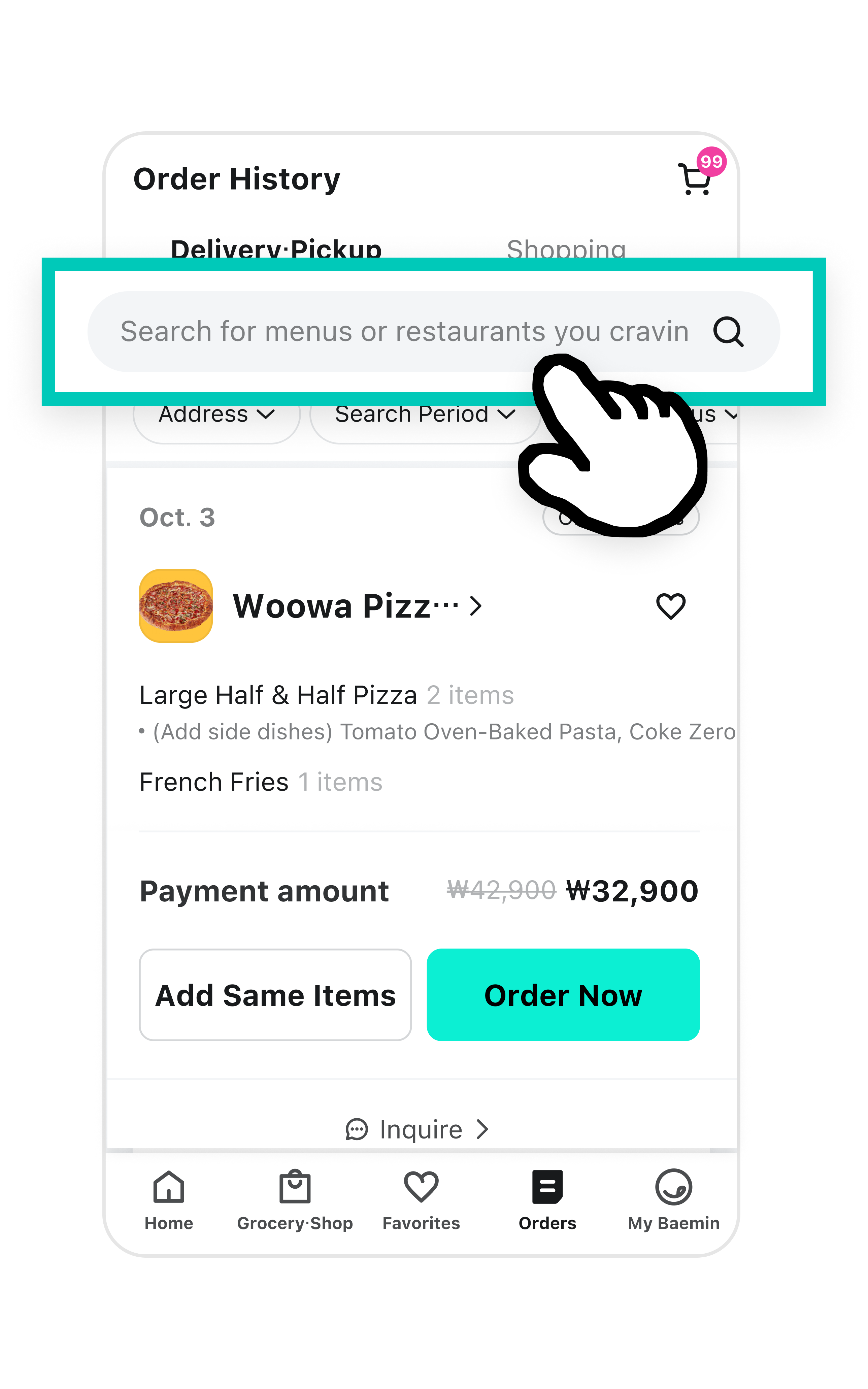
- In Order History, you can see all the restaurants you’ve ordered from before.
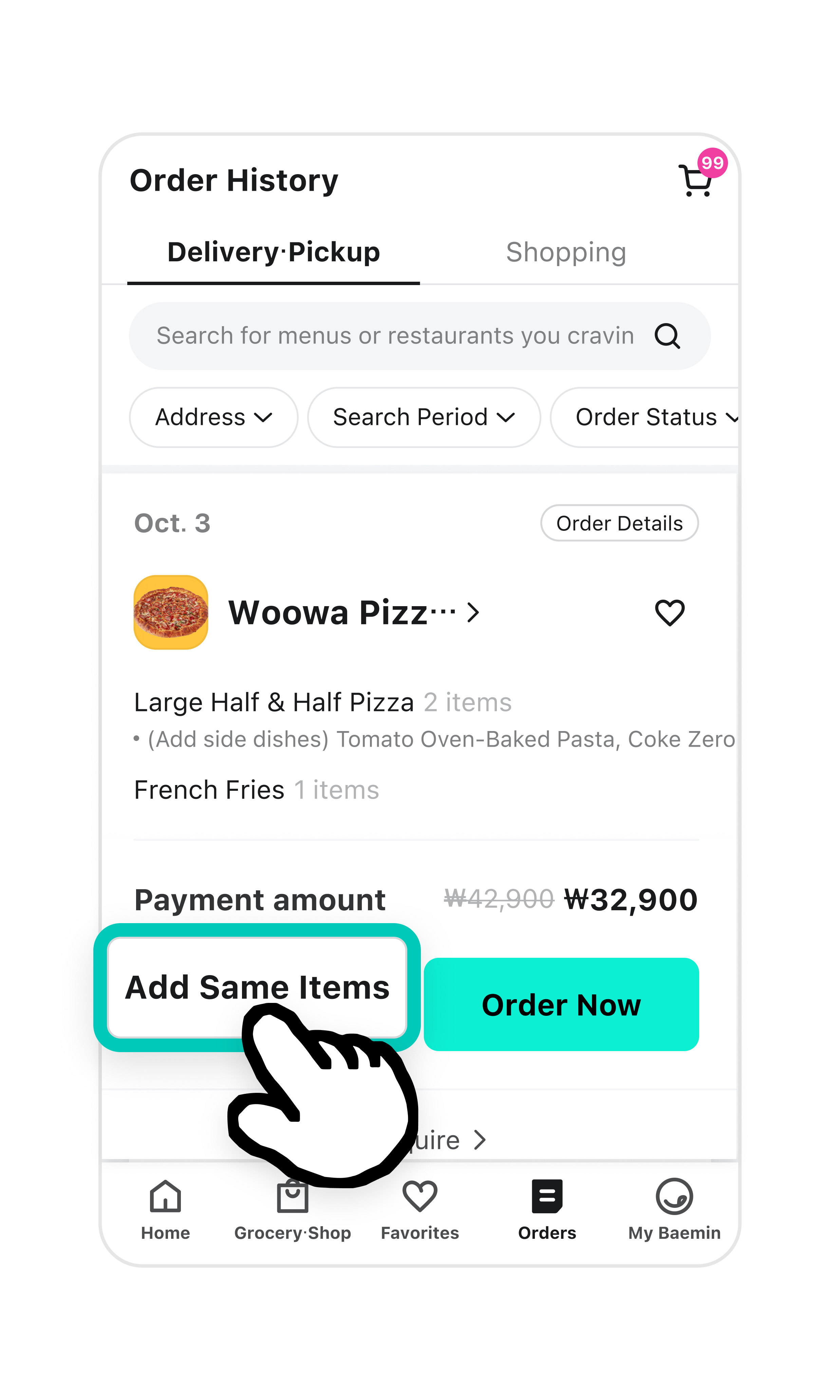
- You can check when you ordered, which restaurant you ordered from, and what you ordered.
- You can also easily reorder the exact same items from your history.
Check Order History when
- You want to enjoy the same delicious meal again.
- You want to check the restaurant's info or the prices of items you've ordered before.