Delivery is now common, so children with disabilities should also know how to use delivery apps.
Teacher from the Social Adjustment & Support Center for Disabled Children
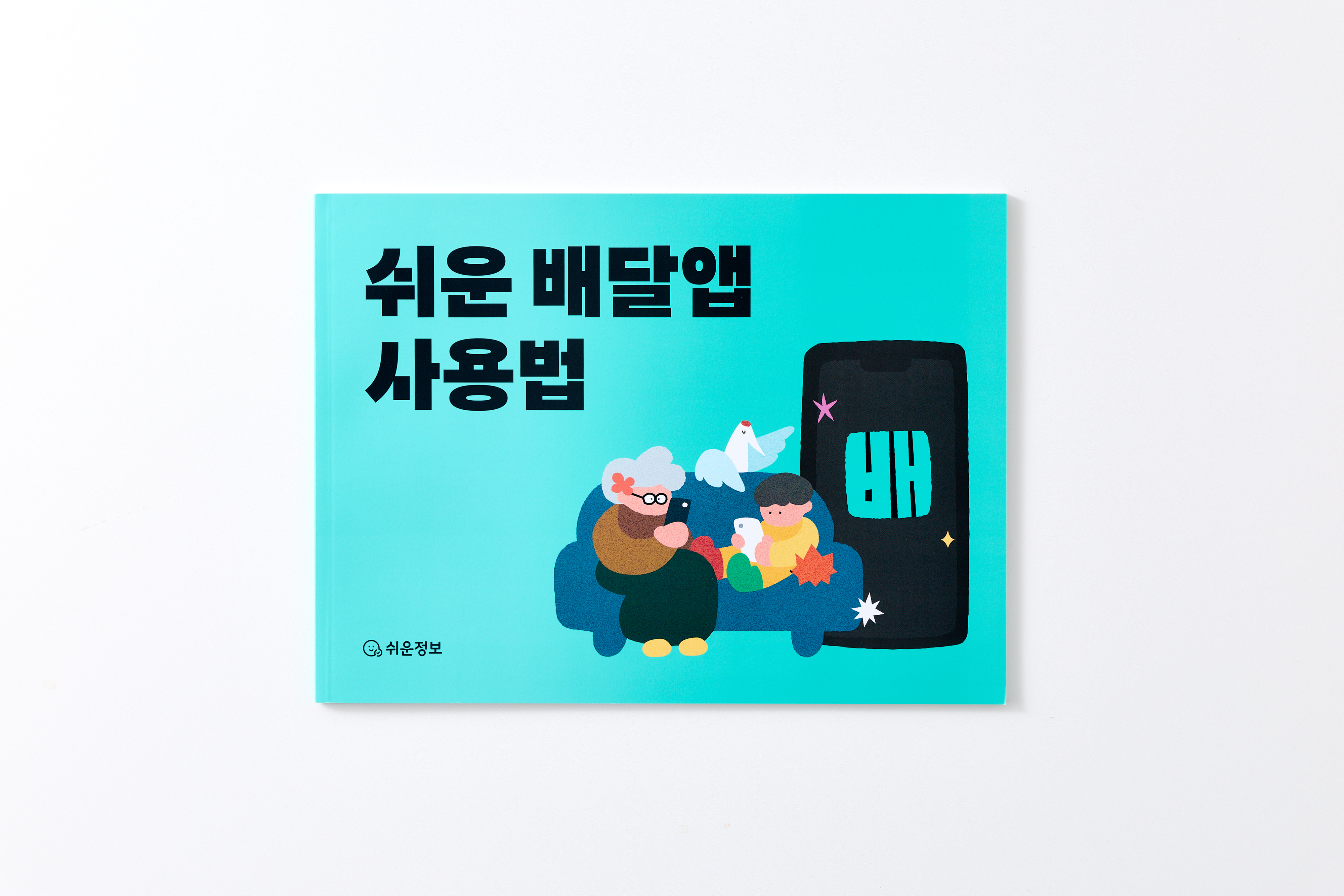
Inside this guide
Getting Ready
First steps for beginners
Using the App
Learn about the Baemin app’s features in detail
Mastering it
Learn tips for using Baemin skillfully in various situations
Practice
Practice ordering before you do it for real
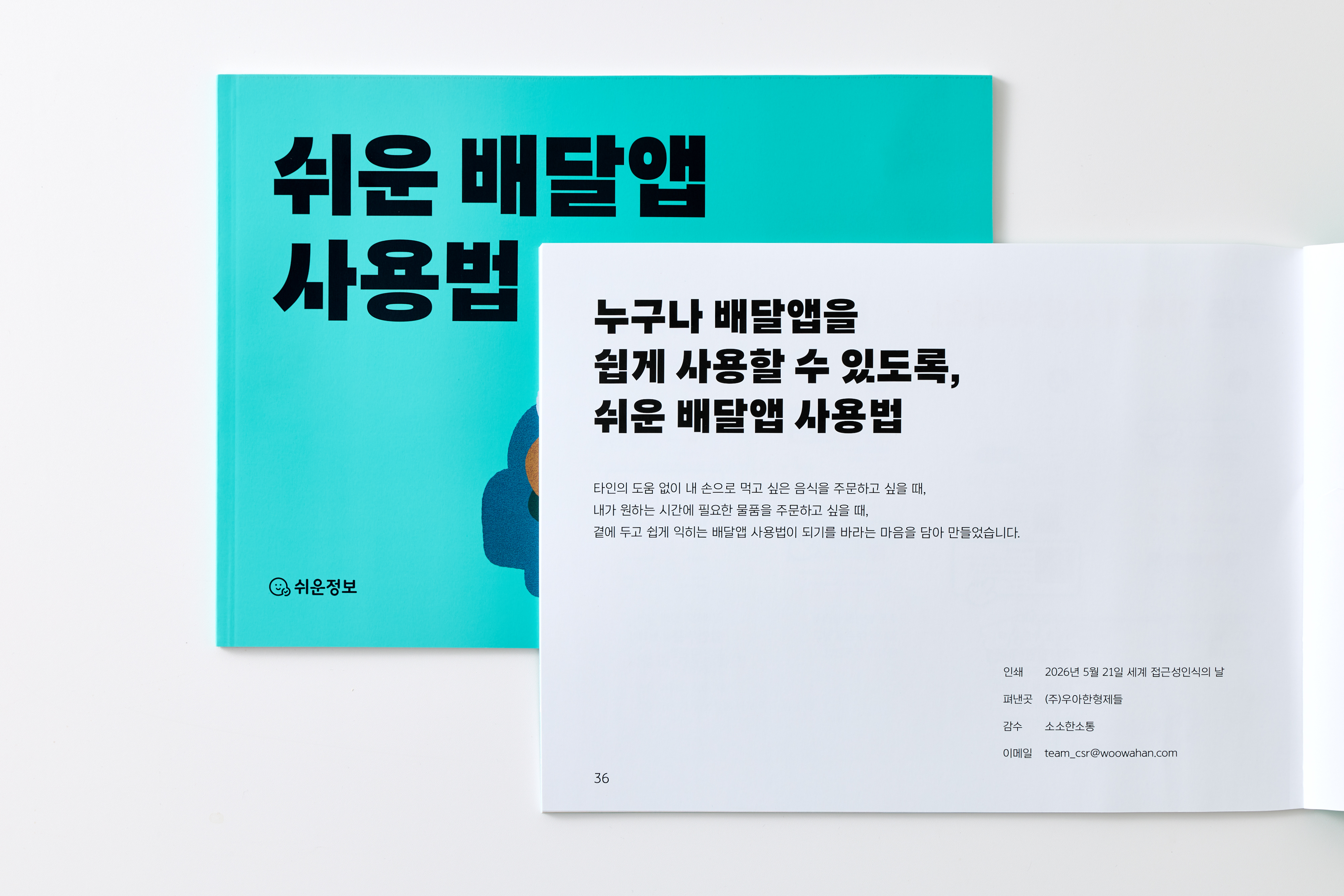
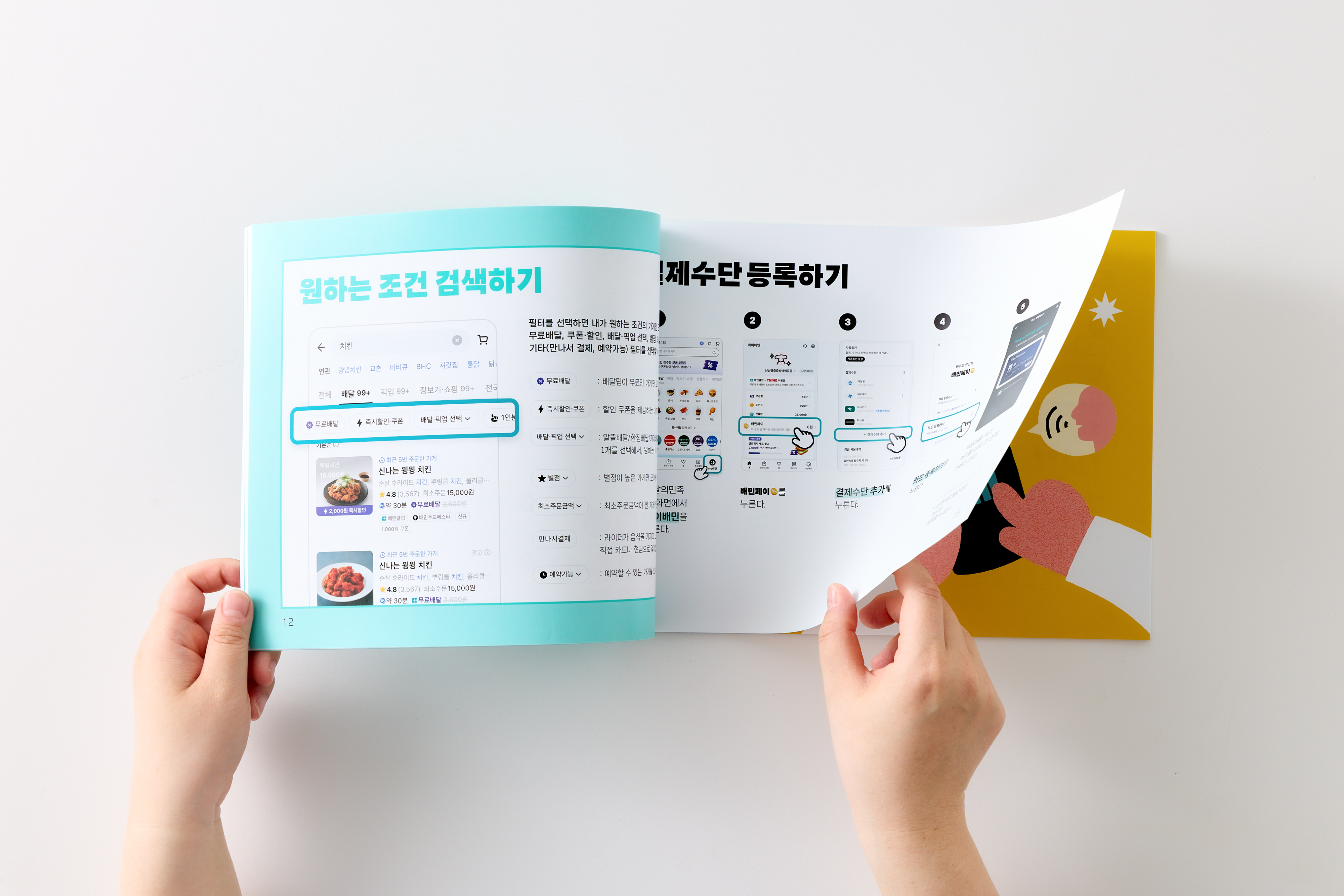
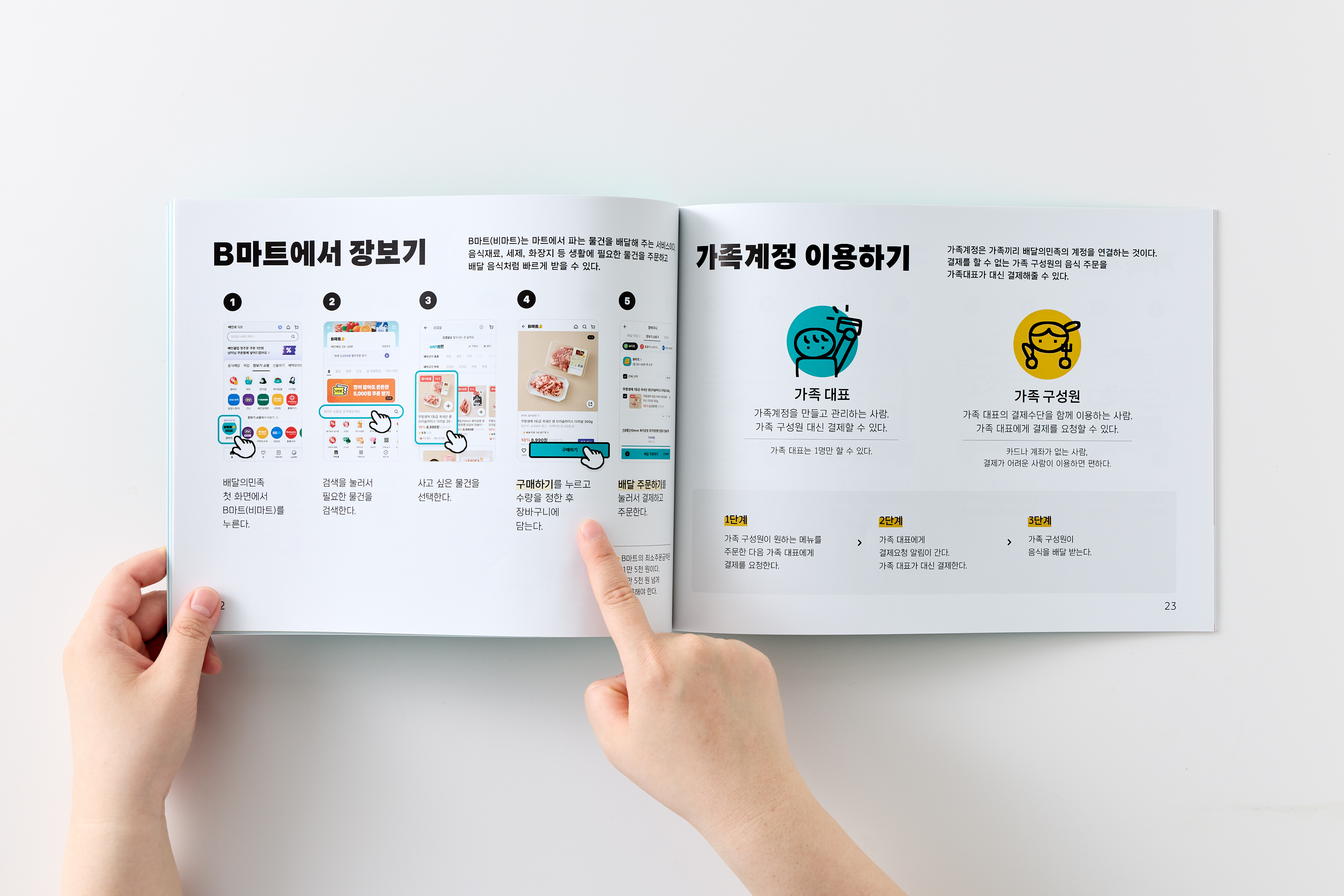
Delivery is now common, so children with disabilities should also know how to use delivery apps.
Teacher from the Social Adjustment & Support Center for Disabled Children
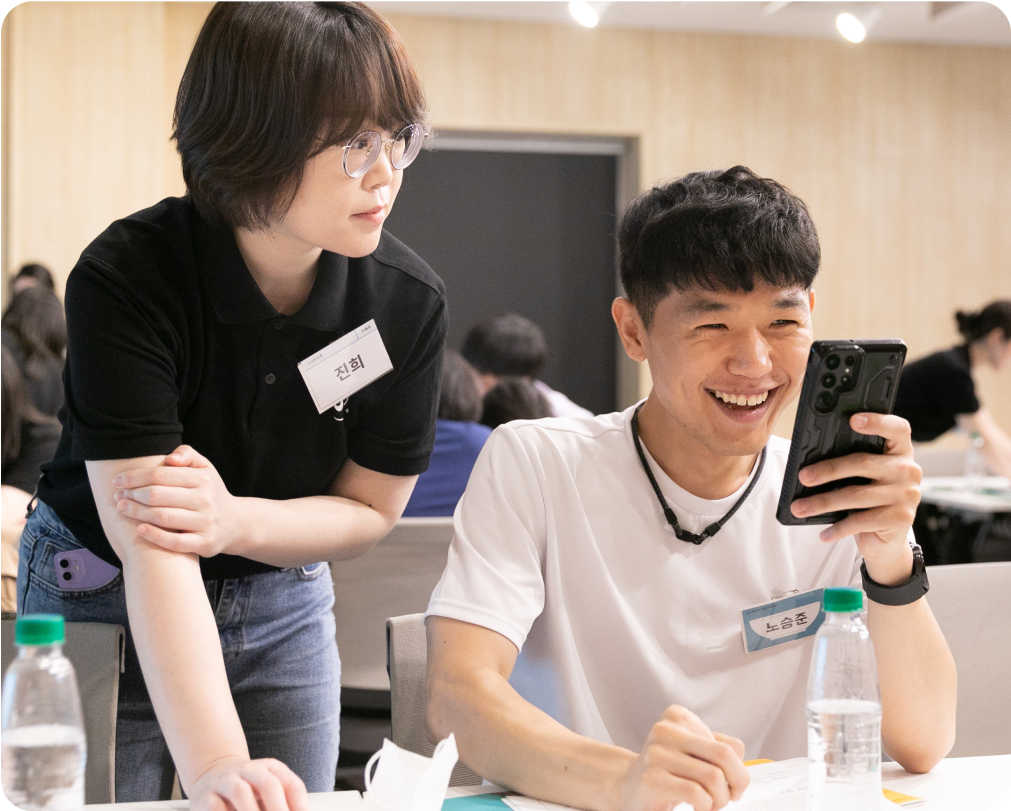
People with developmental disabilities gain a sense of independence by learning how to order food on their own.
Teacher from the Lifelong Education Center for People with Disabilities
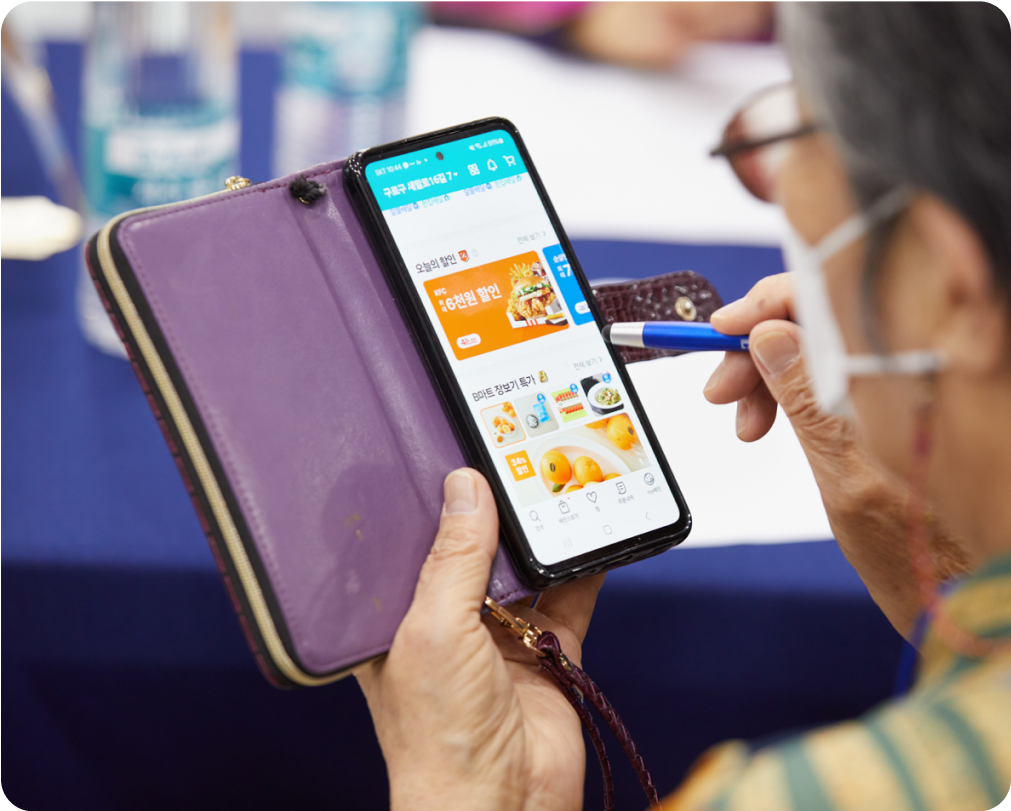
Seniors often need food delivery, but it can be difficult to assist them every single time. This guide is an effective tool to help them take charge and order for themselves independently.
Occupational therapist from G Hospital
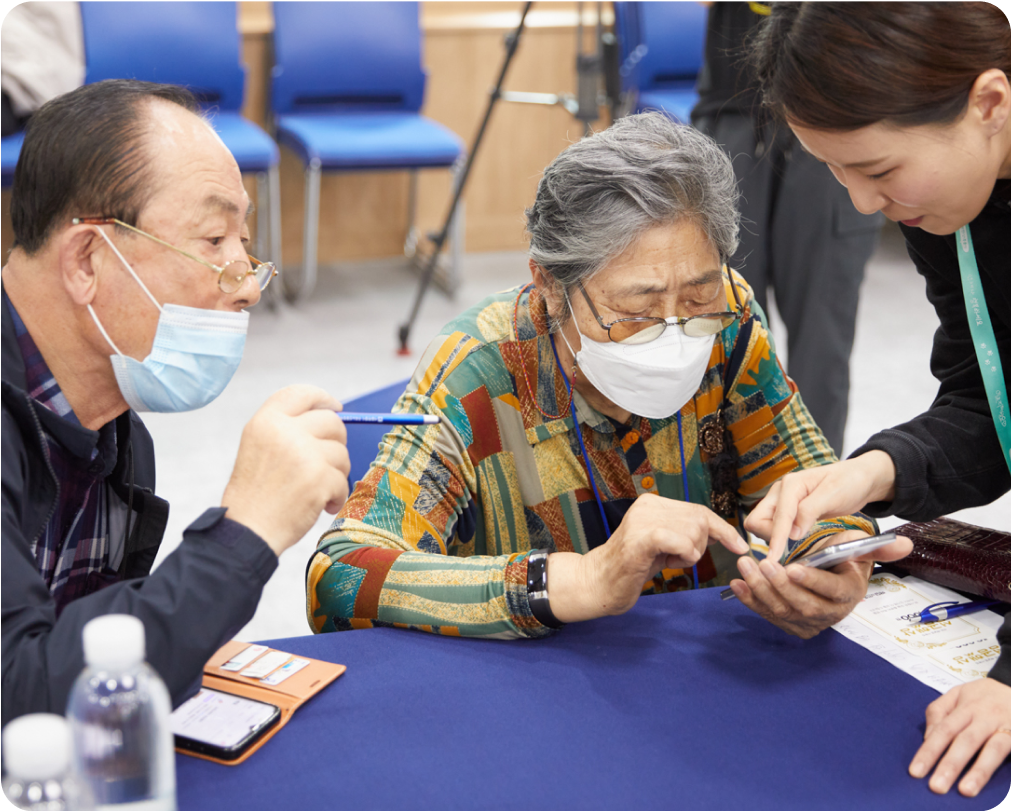
My parents often forget my spoken instructions on how to use a delivery app, but this simple guide makes it much easier for them to learn.
Caregiver of tech-unfamiliar seniors
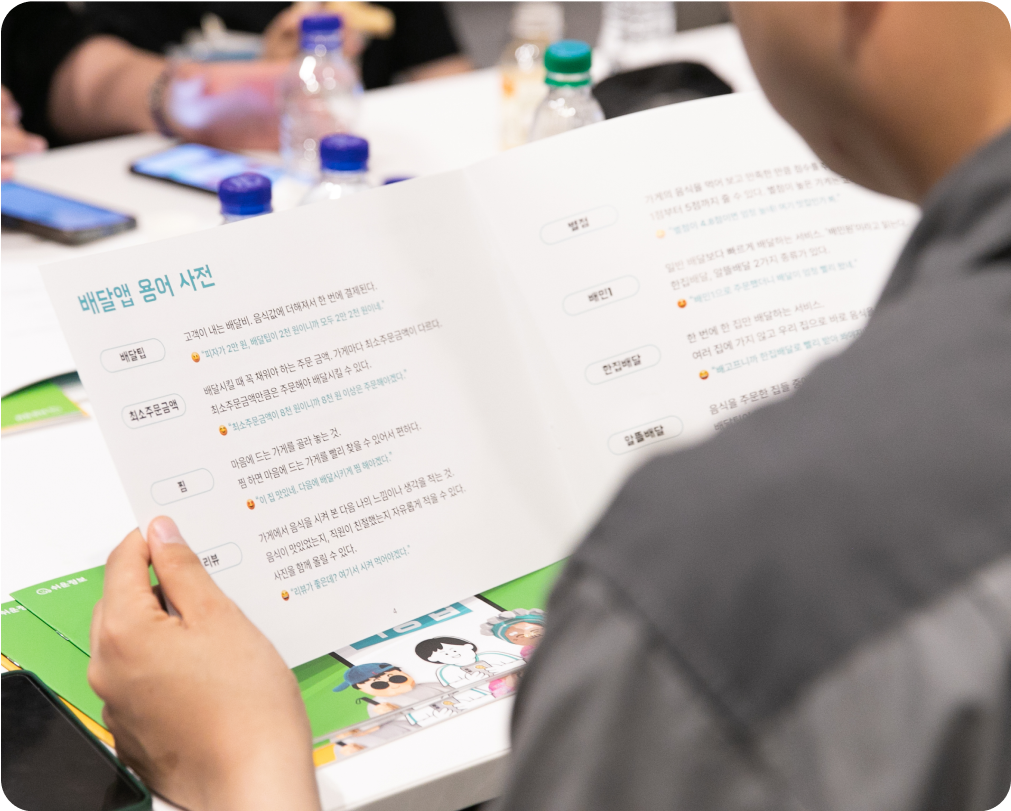
Baemin visits welfare centers, senior centers, and schools across the country, where you can learn how to use the app in person with an instructor.
For inquiries: team_sv@woowahan.com
Woowa Brothers CSR Team