컨텐츠 바로가기
쉬운 배달앱 사용법
Getting Ready
Using the App
Mastering It
Menu
Welcome
Getting Ready
Baemin Glossary
Installing the Baemin App
Signing Up
Adding Your Address
Exploring the Home Screen
Using Filters
Registering a Payment Method
Using the App
Choosing a Store
Viewing Store Info
Adding Items to Your Cart
Paying for Your Order
Grocery Shopping at Bmart
Mastering It
I want to pick up my food and eat it somewhere else
I want to reorder the dish I’ve had before
I want to leave a request for the restaurant
I want to get a discount on my order
Using the App
Choosing a Store
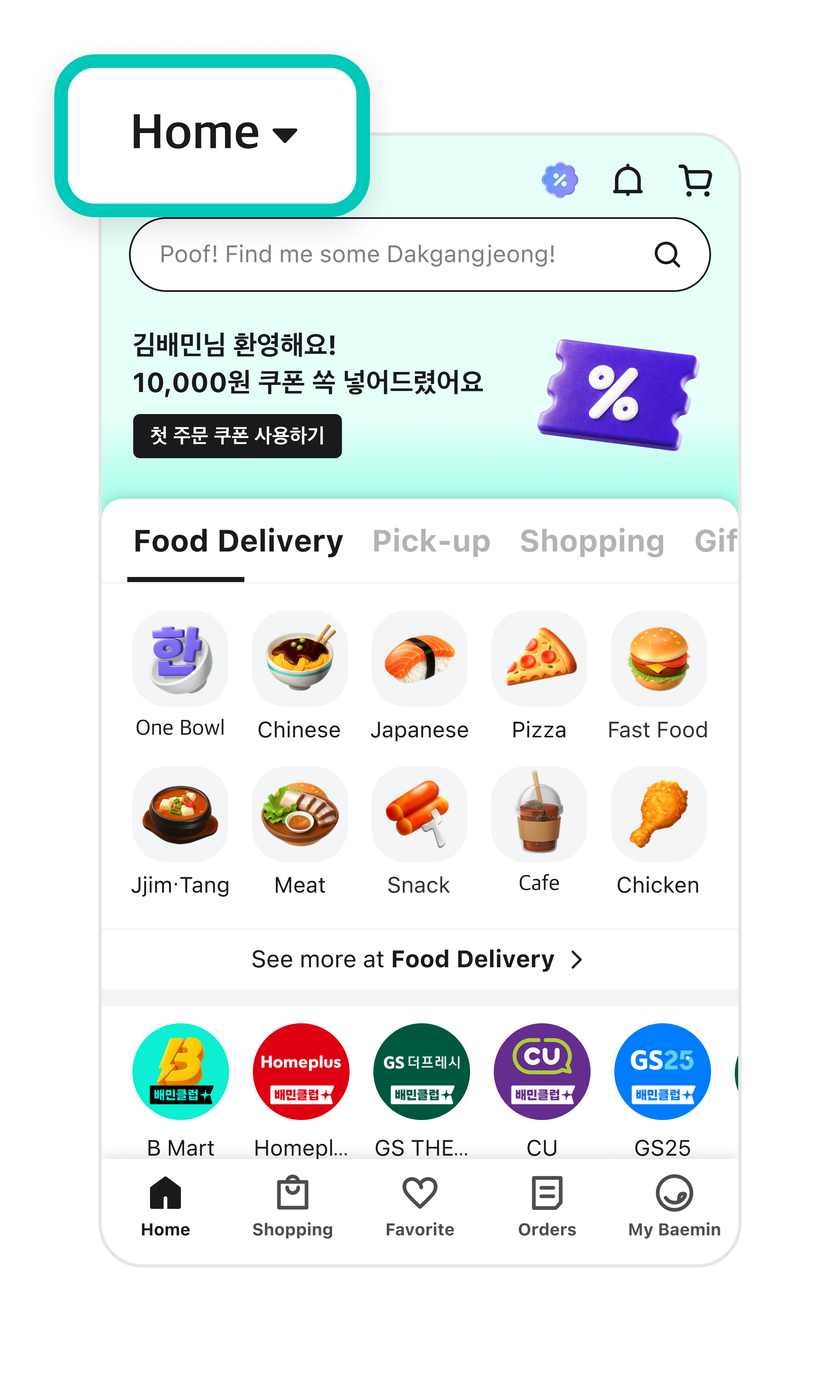
1
Tap the
address section
at the top of the screen to confirm your delivery address.
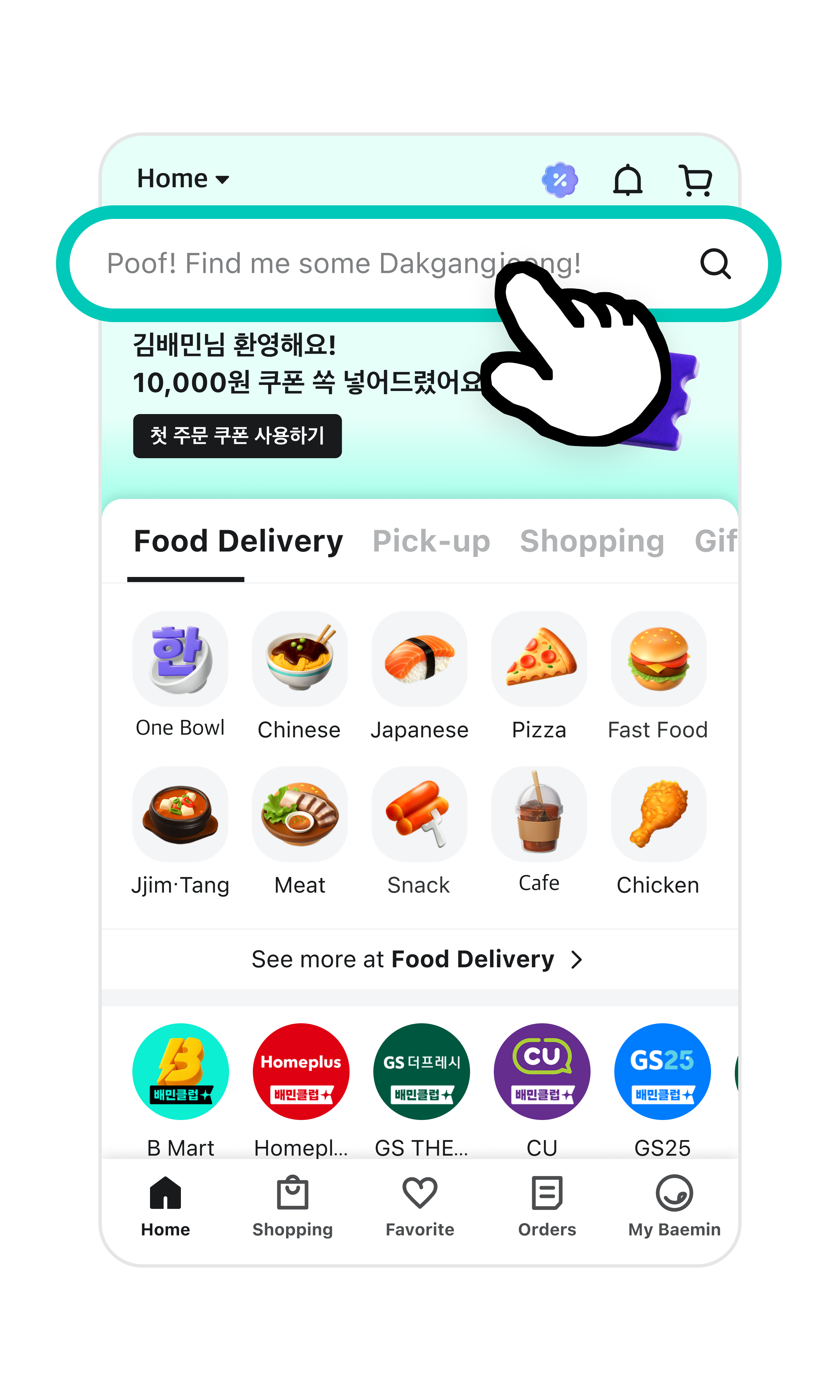
2
Tap the search bar.
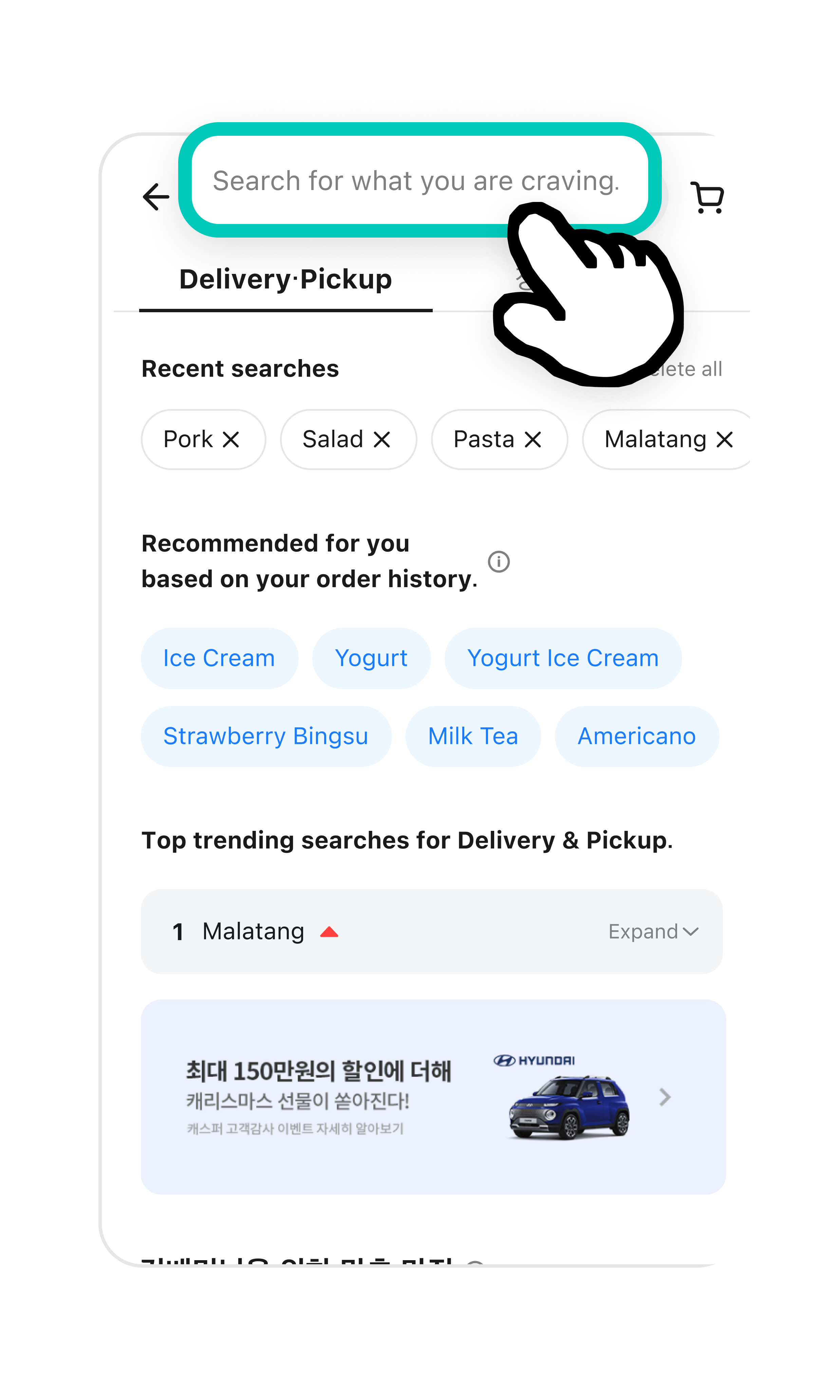
3
Search for a dish or store you want in the search bar.
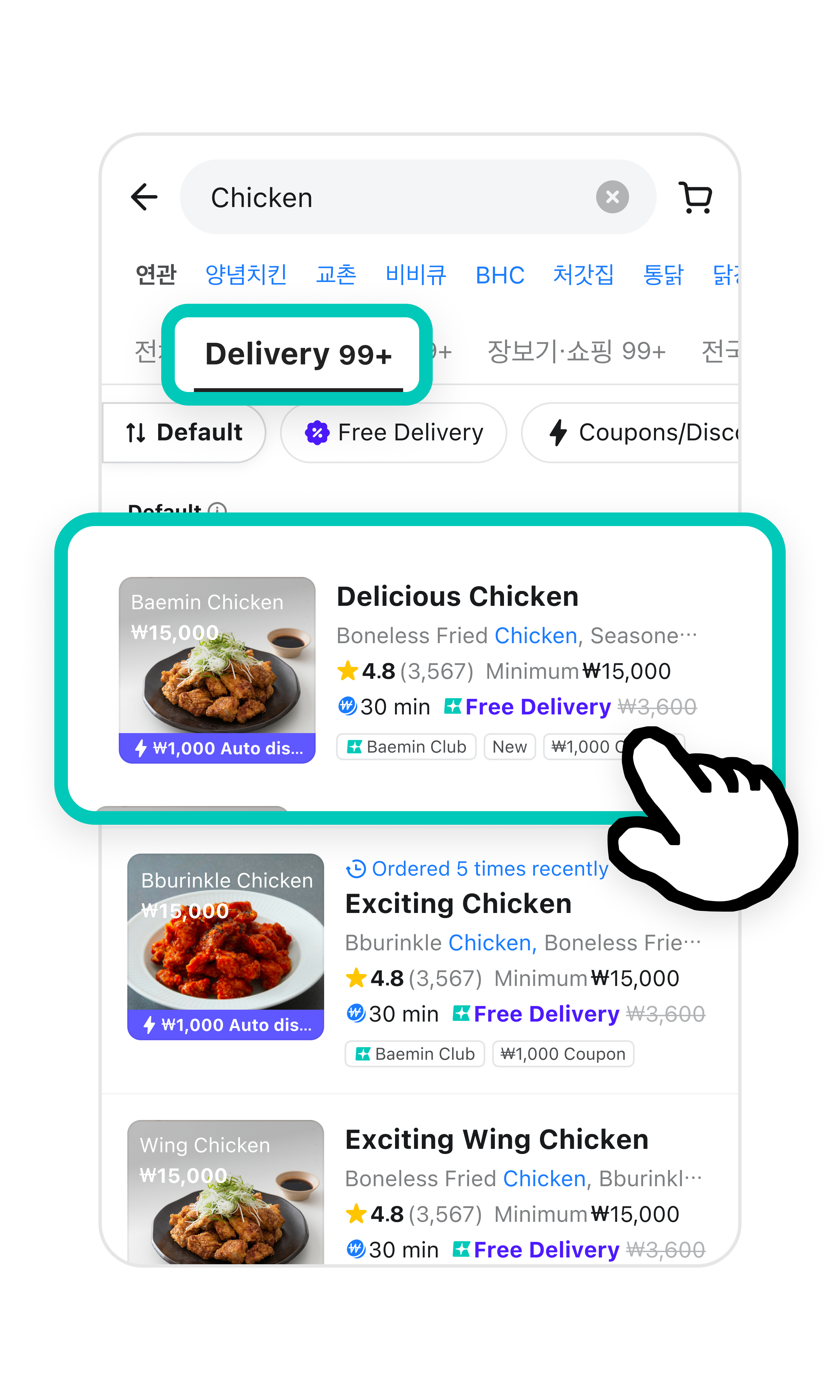
4
Tap
Delivery
and choose a store you like.
Share this guide with your friends!
Share via KakaoTalk
Copy Link
Back
Next
한국어
Font Size
Default
Large
Extra Large
Contrast